



 Vehicle
 Mobiles
 Electronics
 Fashion
 Properties
 Home-Appliance
 Jobs
Jobs
 Services
 Furniture
 Pets
Pets


The Ultimate Guide to Beauty Products: What You Need to Know
Apr 30, 2026
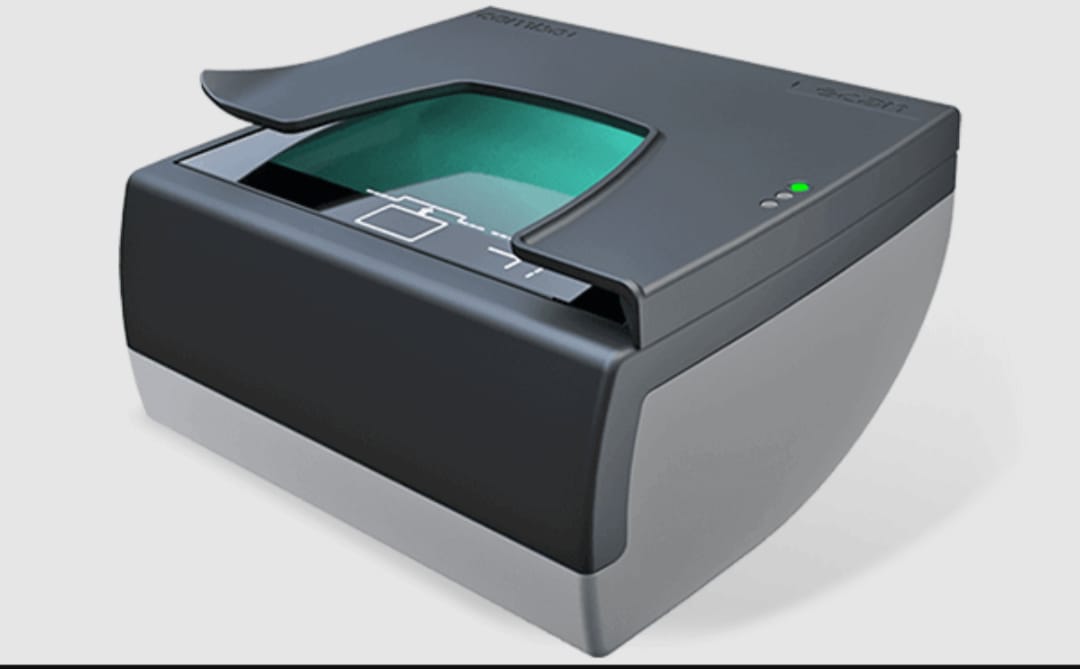
Despite cloud storage and mobile apps, scanners remain essential for:
Document Security: Scanned files can be encrypted, backed up, and stored securely.
Legal & Compliance Needs: Many industries require physical documents to be digitized for audits and records.
Archiving: Preserve old photographs, handwritten notes, and historical documents with high-resolution scanning.
Workflow Automation: Integrated scanners can route documents directly to cloud folders, emails, or CRM systems.
Scanners aren’t outdated—they’re evolving to meet smarter, faster demands.
| Scanner Type | Best For | Key Features |
|---|---|---|
| Flatbed Scanner | Photos, books, fragile documents | High resolution, gentle handling |
| Sheet-fed Scanner | Offices, bulk scanning | Fast, automatic document feeding |
| Portable Scanner | On-the-go professionals | Lightweight, USB or battery-powered |
| 3D Scanner | Design, manufacturing, modeling | Captures depth, texture, and geometry |
Choosing the right scanner depends on your workflow, volume, and resolution needs.
Modern scanners come packed with intelligent features:
OCR (Optical Character Recognition): Converts scanned text into editable digital files.
Cloud Integration: Scan directly to Google Drive, Dropbox, or OneDrive.
Multi-Page PDF Creation: Combine multiple scans into one seamless document.
Auto-Crop & Deskew: Clean up edges and straighten pages automatically.
These features save time, reduce manual effort, and improve document quality.
Scanning is a key player in the paperless movement:
Digital Filing Systems: Reduce clutter and physical storage needs.
E-signature Integration: Sign and send documents without printing.
Green Offices: Lower paper consumption and carbon footprint.
Going digital isn’t just efficient—it’s environmentally responsible.
Use 300 DPI for standard documents, 600+ DPI for photos.
Clean your scanner glass regularly to avoid streaks.
Save files in PDF for universal compatibility, or TIFF for high-quality archiving.
Name files consistently for easy retrieval (e.g., “Invoice_2025_09”).
A little prep goes a long way in keeping your digital archive organized and professional.
CLICK HERECLICK HERE