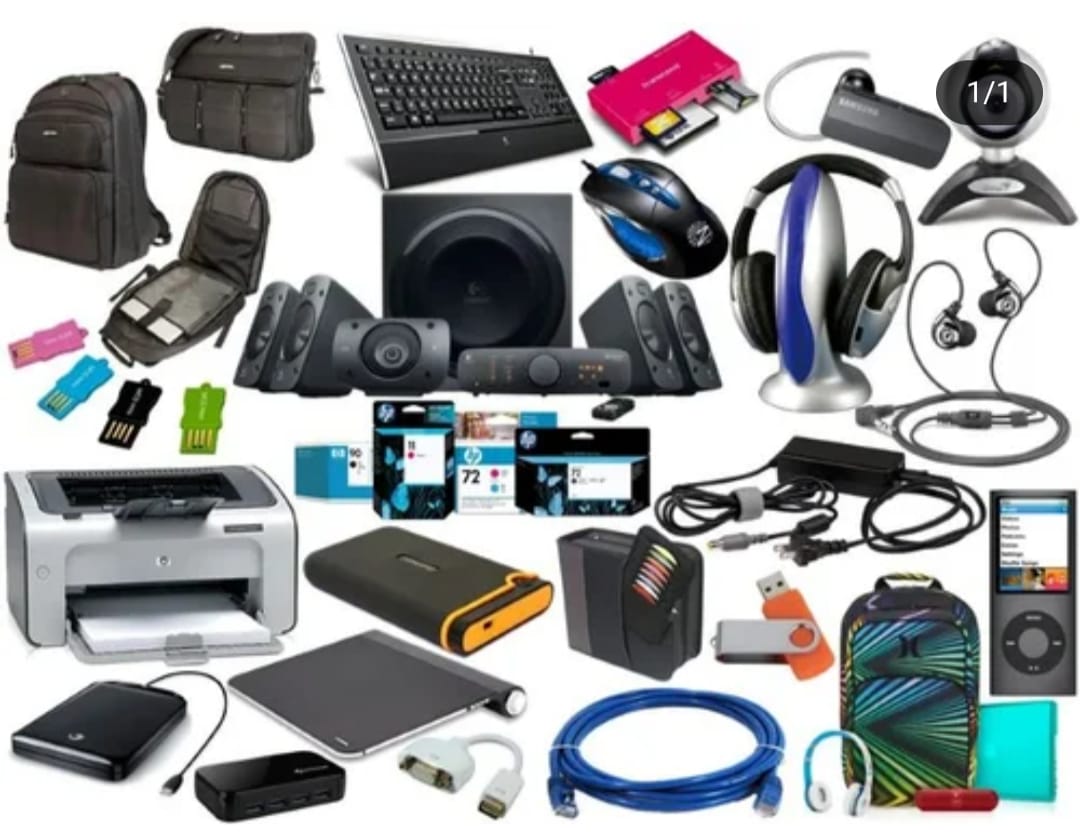
Your laptop is a powerful tool, but it's often held back by its built-in limitations. The right accessories can unlock its full potential, whether you're a student, a remote worker, a gamer, or a creative professional. By choosing a few key additions, you can transform your laptop from a simple device into a comfortable, powerful, and productive command center.
For the Remote Worker and Everyday User
If your laptop is your primary device for work or personal use, comfort and efficiency are key.
-
Wireless Mouse and Keyboard: Laptop keyboards and trackpads are fine for quick tasks, but for extended use, a wireless mouse and keyboard are game-changers. They improve ergonomics, prevent strain on your wrists, and allow you to work more comfortably. Look for a vertical mouse or an ergonomic keyboard to further enhance your comfort
- Laptop Stand or Riser: This simple accessory is a lifesaver for your neck and posture. A stand elevates your laptop screen to eye level, preventing you from hunching over. This is a crucial step in creating an ergonomic workspace, especially if you don't have an external monitor.
-
USB-C Hub or Docking Station: Modern laptops are getting thinner, which often means fewer ports. A hub or docking station gives you back the connectivity you need, allowing you to easily plug in multiple devices like an external monitor, an external hard drive, and a keyboard all with a single connection.
-
Upgrade Your Laptop, Upgrade Your Life: Essential Accessories for Every User
Your laptop is a powerful tool, but it's often held back by its built-in limitations. The right accessories can unlock its full potential, whether you're a student, a remote worker, a gamer, or a creative professional. By choosing a few key additions, you can transform your laptop from a simple device into a comfortable, powerful, and productive command center.
Here's a breakdown of the must-have laptop accessories, tailored to different needs.
For the Remote Worker and Everyday User
If your laptop is your primary device for work or personal use, comfort and efficiency are key.
- Wireless Mouse and Keyboard: Laptop keyboards and trackpads are fine for quick tasks, but for extended use, a wireless mouse and keyboard are game-changers. They improve ergonomics, prevent strain on your wrists, and allow you to work more comfortably. Look for a vertical mouse or an ergonomic keyboard to further enhance your comfort.
- Laptop Stand or Riser: This simple accessory is a lifesaver for your neck and posture. A stand elevates your laptop screen to eye level, preventing you from hunching over. This is a crucial step in creating an ergonomic workspace, especially if you don't have an external monitor.
- USB-C Hub or Docking Station: Modern laptops are getting thinner, which often means fewer ports. A hub or docking station gives you back the connectivity you need, allowing you to easily plug in multiple devices like an external monitor, an external hard drive, and a keyboard all with a single connection.
-
For the Student on the Go
Portability and versatility are paramount for students. These accessories make life easier on campus and in the classroom.
- Portable Power Bank: Never get caught with a dead battery again. A high-capacity power bank with a USB-C port can charge your laptop on the go, giving you the freedom to work from a coffee shop, library, or anywhere else without searching for a power outlet.
- External SSD: Laptops can quickly fill up with large class projects, lecture recordings, and research papers. An external Solid-State Drive (SSD) provides a fast and durable way to store and back up your files, ensuring you never run out of space.
- Headset or Noise-Canceling Headphones: Whether you're in a noisy dorm or a busy cafe, a good pair of headphones can help you focus. A headset with a built-in microphone is also essential for clear communication during virtual classes and group projects.
-
For the Gamer
Gaming on a laptop can be a hot and intense experience. These accessories will help you get the most out of your rig.
- Cooling Pad: Gaming laptops can get incredibly hot during intense sessions, which can lead to performance throttling. A cooling pad with built-in fans improves airflow and helps keep your laptop at an optimal temperature, ensuring consistent performance.
- Gaming Mouse and Mechanical Keyboard: A gaming mouse with customizable DPI settings and a mechanical keyboard with fast, tactile switches are crucial for competitive gaming. They offer the precision, speed, and responsiveness that a standard laptop setup simply can't match.
-
External Monitor: While a good laptop screen is great, a dedicated gaming monitor provides a larger, more immersive visual experience with higher refresh rates, which can give you a significant advantage in fast-paced games.
CLICK HERE FOR PRODUCTS
CLICK HERE





 Vehicle
 Mobiles
 Electronics
 Fashion
 Properties
 Home-Appliance
 Jobs
Jobs
 Services
 Furniture
 Pets
Pets