



 Vehicle
 Mobiles
 Electronics
 Fashion
 Properties
 Home-Appliance
 Jobs
Jobs
 Services
 Furniture
 Pets
Pets


The Ultimate Guide to Beauty Products: What You Need to Know
Apr 30, 2026
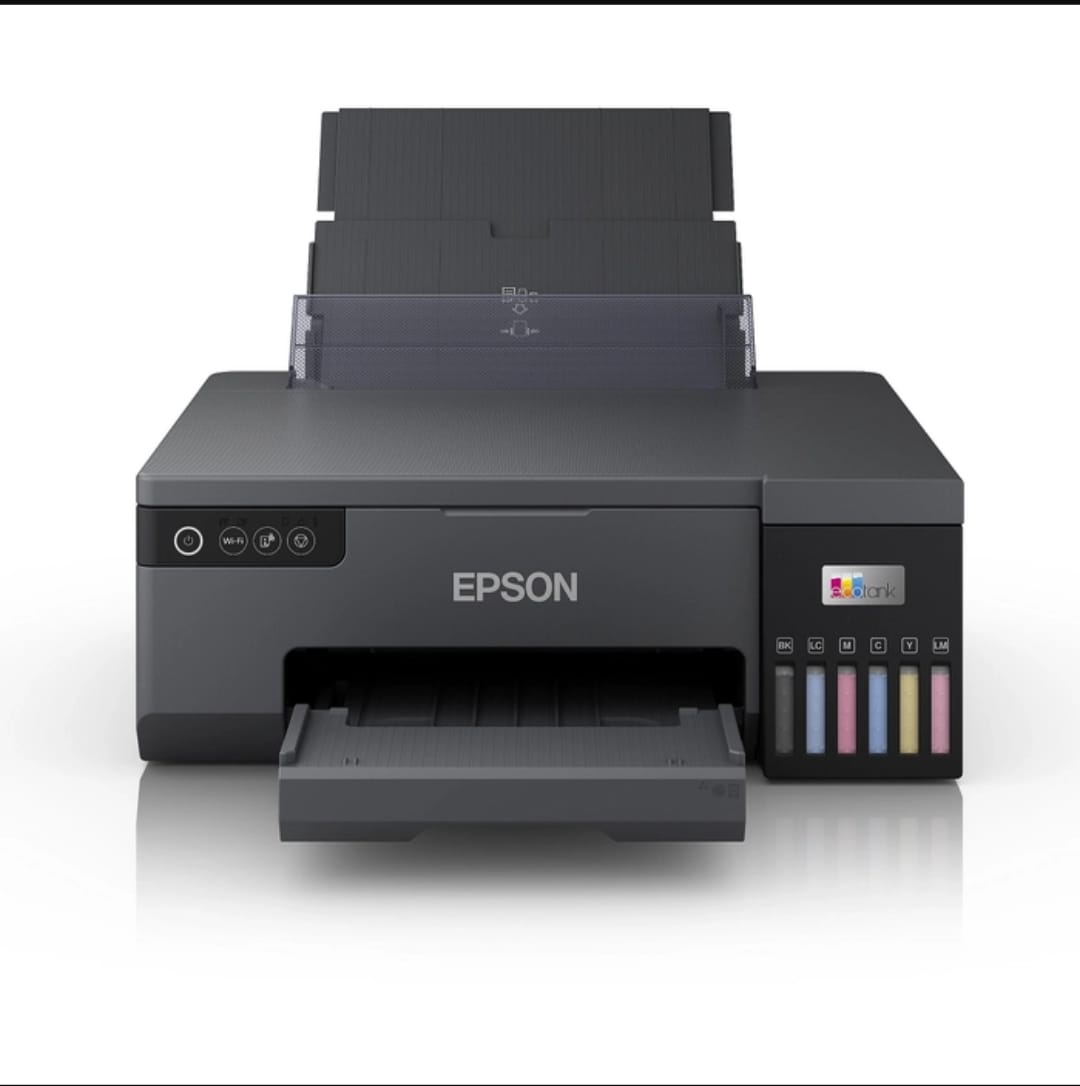
✔️ Convenience – No need to visit a print shop. From printing important documents to personal projects, you can do it all from home or office 🏠💼.
✔️ High-Quality Output – Whether it’s crisp black-and-white text or vibrant photo prints, modern printers offer excellent resolution for professional results 📄📸.
✔️ Cost Efficiency – A reliable printer helps save time and money in the long run compared to frequent outsourcing of printing needs 💸.
✔️ Multifunctionality – Many printers double as scanners, copiers, and fax machines — an all-in-one solution for your workspace 🧱.
🌟 Inkjet Printers
Perfect for home use or creative projects, inkjet printers offer high-resolution color prints, ideal for photos and detailed documents 🌈.
📚 Pros: Great color quality, affordable initial cost.
⚡ Cons: Ink cartridges may run out quickly if used heavily.
🌟 Laser Printers
Designed for fast, high-volume printing, laser printers are ideal for office environments where crisp black-and-white documents are frequently printed 🖋️.
📚 Pros: Fast printing speed, low cost per page.
⚡ Cons: Higher initial cost than inkjet printers.
🌟 All-in-One Printers
Combine printing, scanning, copying, and sometimes faxing in one device — perfect for small businesses or home offices 🎯.
📚 Pros: Saves space and provides multiple functionalities.
⚡ Cons: Slightly higher cost, but convenient.
🌟 Photo Printers
Specialized for printing high-quality photos, ideal for photographers, designers, or anyone who wants to print pictures at home 📷.
📚 Pros: Excellent color accuracy, fine detail.
⚡ Cons: Uses more ink, slower print speed.
🌟 Portable Printers
Compact and lightweight, these are perfect for printing on the go — from business presentations to travel documents ✈️.
📚 Pros: Portable, battery-powered.
⚡ Cons: Limited paper size and capacity.
✔️ Print Quality (DPI) – Look for printers with at least 600 x 600 DPI for sharp text and detailed images 📄.
✔️ Printing Speed – Measured in pages per minute (PPM). For office use, speed is essential ⚡.
✔️ Connectivity Options – USB, Wi-Fi, Bluetooth, or Ethernet options for easy setup and wireless printing 🌐.
✔️ Multifunction Capabilities – If you need scanning and copying, opt for an all-in-one model 🧱.
✔️ Operating Costs – Check the price of ink or toner refills and the number of pages per cartridge to ensure cost efficiency 💸.
✔️ Paper Size & Capacity – Ensure the printer supports the sizes you need (A4, photo paper, labels) and has sufficient tray capacity 📦.
🧹 Clean Print Heads Regularly – Prevent ink smudging and clogged nozzles by cleaning heads every few weeks.
📦 Use Quality Paper – Avoid jams and smears by using manufacturer-recommended paper types.
🔧 Update Drivers – Keep printer drivers updated to avoid compatibility issues and ensure optimal performance.
💡 Turn Off Properly – Always power off using the printer button to prevent ink blockages or wear.
Choosing the right printer depends on your needs — whether it’s high-volume document printing, photo printing, portability, or multifunction convenience.
By focusing on print quality, functionality, and sustainability, you can make a smart investment that serves your home or office for years to come 🖨️✨.
👉 Ready to find the perfect printer that matches your needs and budget?
📞 Contact us today to explore top brands and exclusive offers 🚀📱
CLICK HERE FOR PRODUCTS