



 Vehicle
 Mobiles
 Electronics
 Fashion
 Properties
 Home-Appliance
 Jobs
Jobs
 Services
 Furniture
 Pets
Pets


The Ultimate Guide to Beauty Products: What You Need to Know
Apr 30, 2026
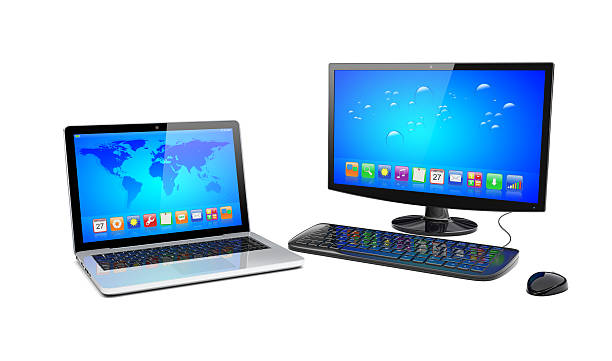
LAPTOP
The Ultimate Guide to Choosing the Right Laptop:
The laptop market is more diverse than ever. Whether you're a student, a professional, or a gamer, choosing the right device can feel overwhelming. This guide breaks down the essentials to help you pick the perfect laptop for your needs.
1. Identify Your Primary Use
2. Key Specs You Should Consider
3. Battery Life Matters
Aim for at least 8–10 hours of real-world use if you work on the go.
COMPUTER
Computer Accessories Every Home Office Needs:
A powerful PC is only as good as the accessories you pair with it. Whether you’re working remotely or building a productivity station at home, these must-have tools will transform your daily workflow.
1. Ergonomic Keyboard & Mouse
Long hours at your desk demand comfort. Ergonomic designs reduce wrist strain and improve typing posture.
2. External Monitor
A second display boosts productivity by up to 30%. Aim for a 24–27 inch monitor with at least 1080p resolution.
3. Docking Station
Perfect for laptop users who want a clean desk setup with minimal cable clutter.
4. Noise-Canceling Headphones
Stay focused even in noisy environments. Great for video calls and deep work.
5. Backup Storage Drive
Protect your important files with an external SSD or a cloud backup plan.
7 Ways to Speed Up Your Old Laptop Without Spending Much
1. Remove Unnecessary Startup Apps
2. Upgrade to an SSD
3. Add More RAM
4. Clean Up Storage
5. Update Your Software
6. Improve Cooling
7. Reset Your System